Local lifestyle
Three scenarios. Same story each time: you had no plan, you described a mood instead of a keyword, and you ended up somewhere good.
Film a real night out. Use Wanderboat the way you actually would: while scrolling, or while arguing about where to eat. Then go to the place and end the video there. Every video must use Message 1 or Message 2. Add Message 3 if your request stacks conditions. Add Message 4 if you drive a Tesla.
Read your required message first
Your brief names the message you must use. Click Message 1, Message 2, Message 3, or Message 4 to jump to the full copy. Say the idea in your own words. Do not replace it with a different point.
No search anxiety
Say this
Instant inspiration, so you can just live in the moment.
Got zero weekend plans and tired of doomscrolling? Cure the decision paralysis. Skip the endless Google searches: swipe the visual Inspo Feed, or chat with us like the one friend who always knows the coolest spots. "Hey, give me some fun things to do near me." Curated places and experiences in seconds. Less time searching, more time living.
Brief 01 · carry this or Message 2No more mid places
Say this
Visual, vibe-first hidden gems.
Tired of basic, soulless places recommended by standard maps with zero aesthetic taste? Wanderboat is a vibe-driven interactive map. It scans social content, filters out the noise and surfaces hidden gems you never knew existed. Preview places through Instagram-worthy visual cards and catch the exact mood before you step out.
Brief 01 · carry this or Message 1Hyper-specific searches
Message 3Built for requests standard maps cannot handle.
Ever tried finding a spot that is dog-friendly, cozy, gets golden-hour sunlight, and serves natural wine? Standard map apps break when you search like a normal human. They force you into rigid keywords and ignore the vibe you are actually after. On Wanderboat you do not need to overthink your search terms. Type the request and the mood, however specific or chaotic, and we translate your raw thoughts into the right spot in seconds.
Vibe to FSD, inside your Tesla
Message 4From inspiration straight to navigation, on the centre screen.
Find your next spot on the big screen and let Tesla handle the drive. Wanderboat runs right inside the Tesla browser: search for your aesthetic hangout using natural chatter on the centre display, scan the QR code to push the address to your Tesla app, and let FSD navigate you straight there. You never type an address. Tap, sit back, enjoy the ride.
The three scenarios
You are assigned one scenario. Confirm which one with your Unisong contact before you write the script. The Lead with row is the suggested emphasis. You still must use Message 1 or Message 2.
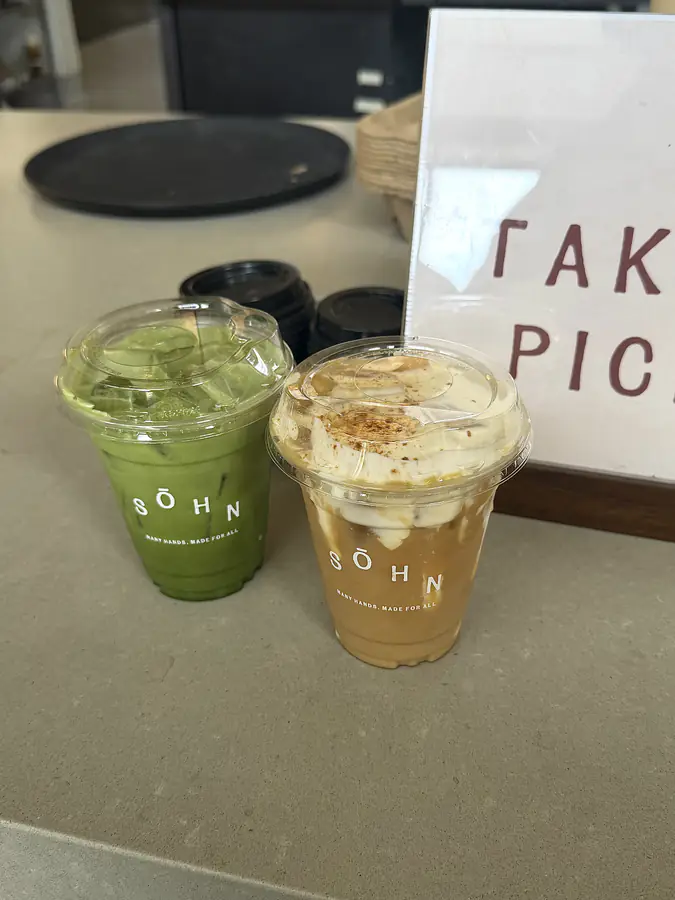
Aesthetic foodie spots & hidden eats
44% of hidden-gem demand is restaurants, bars, coffee, and dessert. Lead with how the place looks. A regular map would not have shown it. You could tell it was right before you went.
- Creators
- Foodies, local food reviewers, cafe hoppers
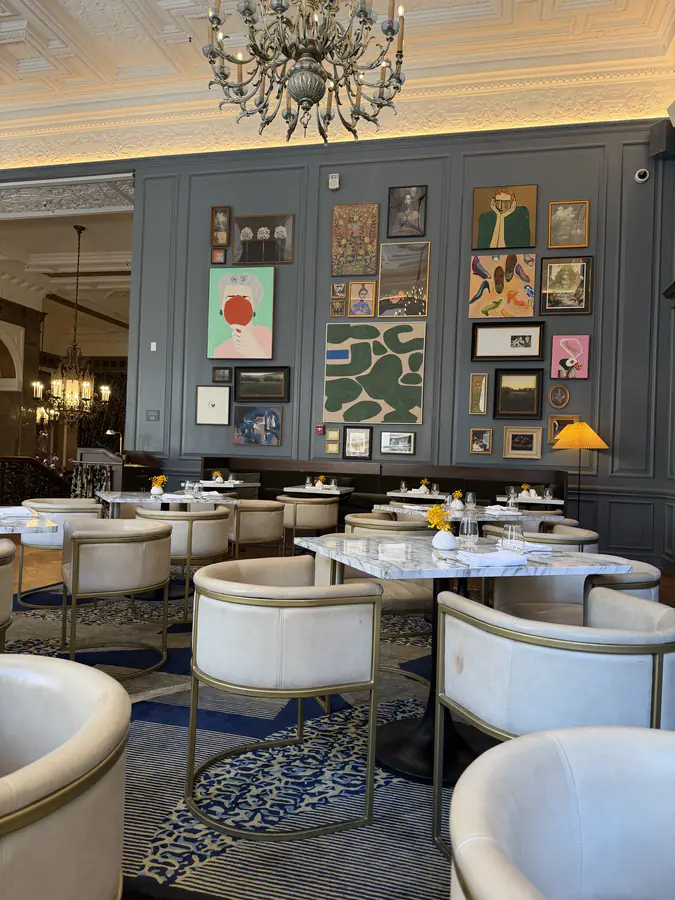

Family-friendly weekend outings
Things to do with kids. These requests stack conditions on their own: kid-friendly, stroller-friendly, somewhere the adults can eat too. Message 3 fits here without forcing it.
- Creators
- Family and parenting creators, momfluencers
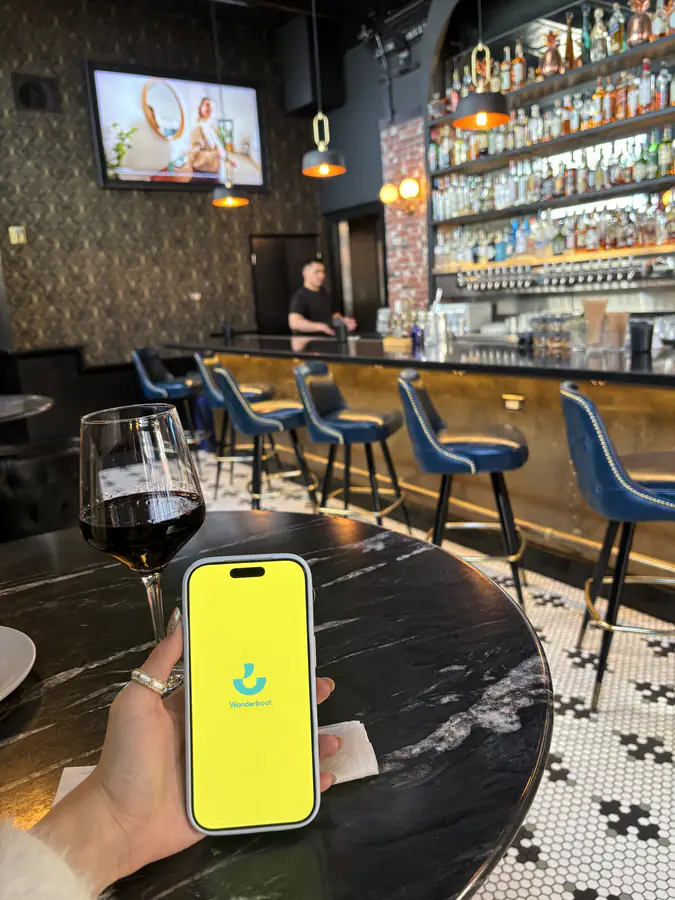
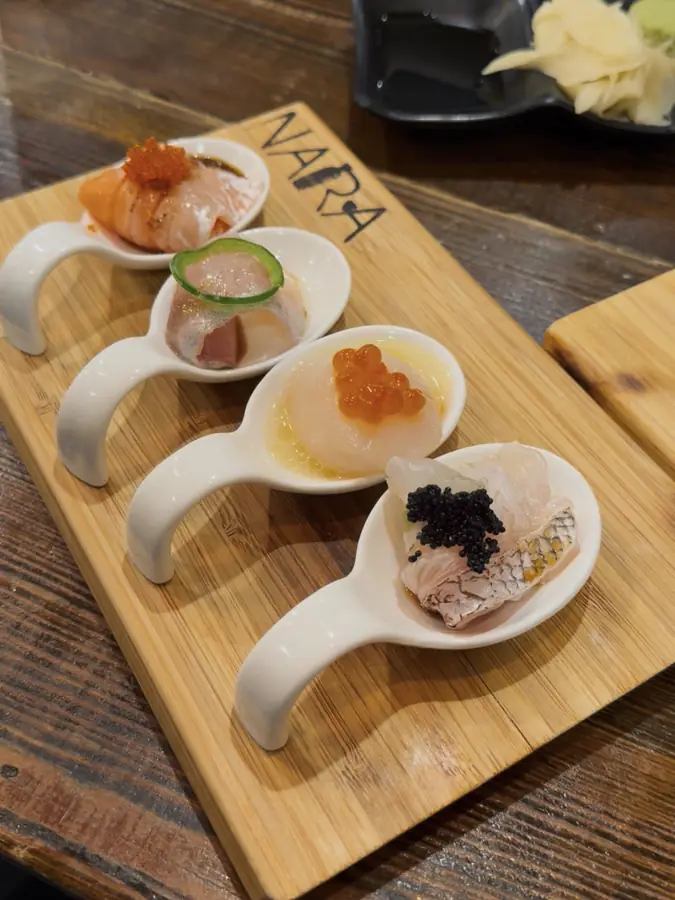
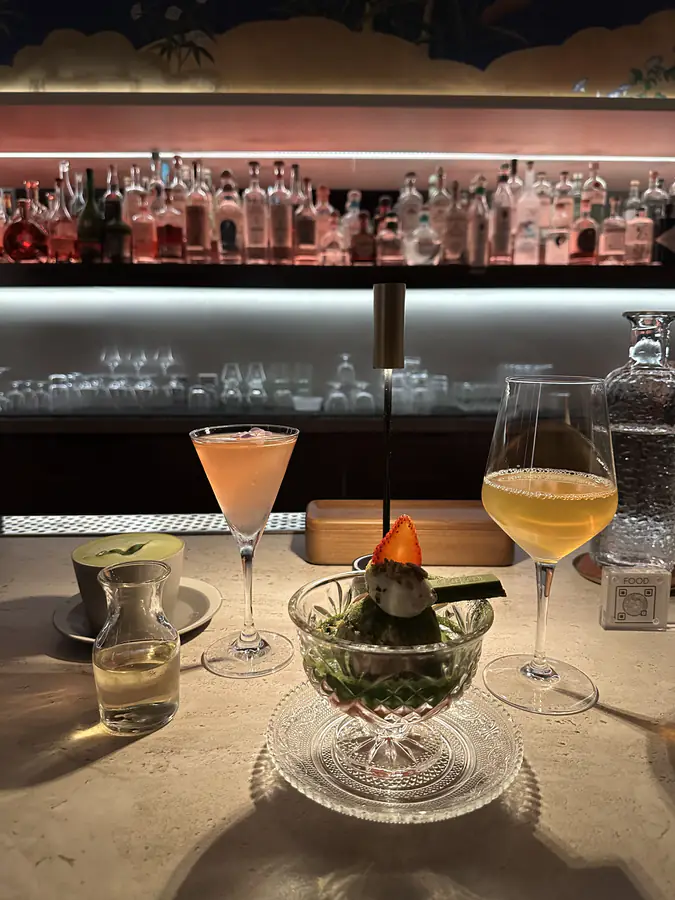
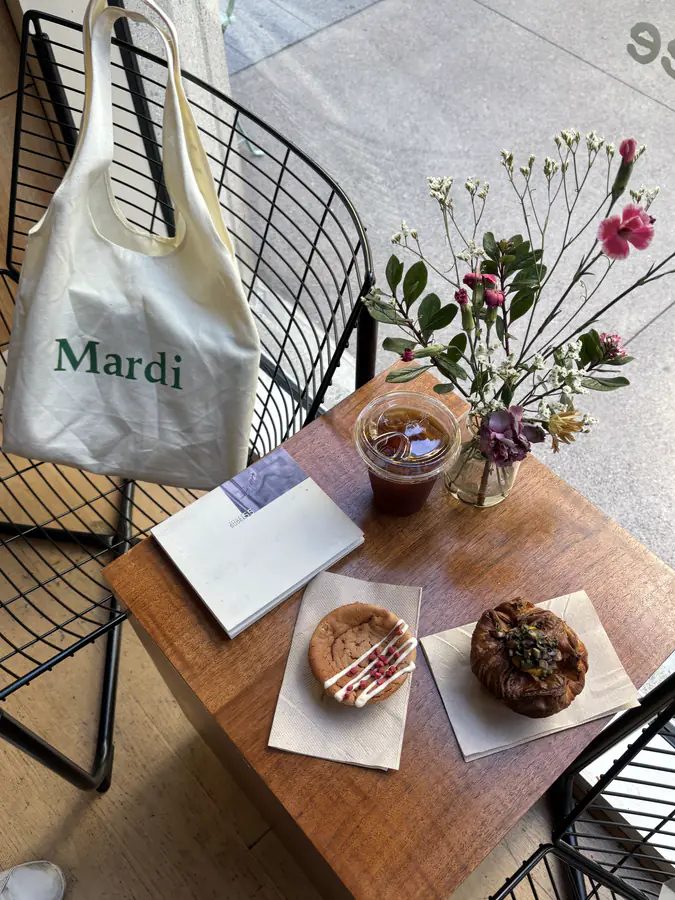
These are Wanderboat's own photos. They show the look we want. Shoot your own rooms. Do not reuse these. Real rooms, real light, nothing staged.
Dates and events from Wanderboat's brief. Use one if it fits your video. All of them are optional.
- Mid-AugBack-to-school · tech return-to-office peak
Find a study or work spot by vibe. Describe what you want in SF, Berkeley, or Palo Alto.
“How I matched my ideal study/work spot in SF with Wanderboat” - Aug 19World Photography Day · SF “Fogust”
A fog and sunset photo guide. Use Wanderboat to find hidden scenic spots in SF.
“SF fog & sunset chasing vibe map” - Aug 28 – Sep 7Labor Day weekend · the last long weekend of summer
Quick getaway ideas, outdoor plans, and Bay Area day-trip guides for the holiday weekend.
“Surviving the last long weekend of summer” - Sep 15 – Oct 15Hispanic Heritage Month
A Mission District taco and culture crawl: local spots, taco joints, and hidden gems.
“Mission District taco & culture crawl” - Sep 22Autumn equinox
Early autumn: cozy spots, seasonal drinks, and fall looks around the city.
“First day of fall SF vibe guide”
- 01Show yourself not knowing where to go. Say it in your own words.
- 02Show the app doing the work. Screen recording is fine. Hold the visual cards long enough that a viewer can read one.
- 03Say the request in plain language. Keep it messy.
- 04Go to the place. Film it. React to it.
- 05Say if you liked it. Without a verdict, it is just an address.
- Talk to the app the way you text a friend. Full sentences, specific mood. Do not guess at keywords.
- Show the visual card before you go, so the payoff is that the room matched.
- Use your normal opening, edit, and voice.
- Do not tour the interface. Nobody watches a settings screen.
- Do not read a written script. If you would not say it out loud, cut it.
- Do not end on the app. End on the place.
Opening lines and closing lines
Start with a hook. End with the tracking link. Use these lines as written, or say them in your voice.
First 3–5 seconds, on camera. Start mid-thought. Do not say “hey guys”.
- “Okay I wasn't gonna share this... but this app just planned my entire weekend and I didn't lift a finger.”
- “Everyone thinks I'm the friend who knows all the spots. The truth? It's this app, and I'm exposing myself today.”
- “POV: your friend asks where to eat and for ONCE you actually have an answer.”
- “If you and your friends spend 45 minutes deciding where to go and then go nowhere... this is for you.”
- “I was running out of date night ideas... then I found Wanderboat, and now I'm dangerous.”
- “This app knows [city] better than people who've lived here 10 years, and I need to talk about it.”
- “3 spots an app found for me in [city] that I'm lowkey obsessed with.”
- “I let an app plan my perfect Saturday: coffee, lunch, a cute spot, dinner. Here's everywhere it sent me.”
- “I just had the best girls' night and I didn't plan a single thing. An app did.”
- “Stop letting a dad-energy algorithm pick your weekend hangout spots.”
- “Why do traditional map apps act like aesthetic doesn't matter? Finally, an app that gets it.”
- “Traditional map apps only care about utility. They have zero aesthetic taste and literally no soul.”
Use in the caption or as the last line. Tell viewers to tap the tracking link in your bio or caption.
- “Drop your go-to food spot in the comments, or try Wanderboat to find your next one. Check the link in bio!”
- “Stop eating at the same 3 mid places. Hit the link in bio and let Wanderboat find your next aesthetic bite.”
- “Save this for your next craving, or go test Wanderboat yourself. It's totally free.”
- “Tag your partner so they know where to take you this weekend (or just let Wanderboat pick for you). Link in bio.”
- “Stop doing the "I don't know, what do you want to do?" dance. Link in bio to fix your date night.”
- “Send this to your indecisive date, or check the link in my bio to unlock instant date ideas.”
- “Save this for the weekend! Download and open Wanderboat next time you need kid-friendly spots that adults actually enjoy too.”
- “Send this to a busy mom or dad who needs effortless weekend plans. Link in bio.”
- “No more endless research during nap time. Let Wanderboat map out your next family day out.”
Deliverables and requirements
Same rules for all three briefs. This list is also on every brief page. If your brief adds a rule, like the Tesla end card, follow the brief.
Primary deliverable
- 1–3 vertical videos
- 9:16, minimum 35 seconds, posted on the channels named in your agreement.
- The app, in use
- Show Wanderboat and how you use it. For Brief 03 that means wanderboat.ai in your Tesla browser, plus the iOS and Android shout-out at the end.
Posting and cross-posting
- Collab or credit
- Invite @wanderboat_ai as a collaborator on Instagram Reels, or tag @wanderboat_ai as the featured tool.
- Community crosspost
- Optional: share the finished video into the Wanderboat community feed.
- CTA and tracking
- Put the UTM link in your bio, your link-in-bio tool, or the caption. The caption must tell viewers to tap the link.
Rights and terms
- 60-day ad code
- Required, not optional.
- Exclusivity
- 14 days after posting. Named apps are listed under this section.
Exclusivity
No sponsorship of, or mentions of, competing mapping and discovery apps for 14 days after posting. The apps named here are included.
- Google Maps
- Yelp
- Beli
- TripAdvisor
- Ctrip
- Expedia
- Tabi
- Mindtrip
- Layla
- Karpo
- Wanderlog
- Uber Eats
- Eater
- Gobi Map
- Atmosfy
- Booking
- Airbnb
Two rules
Your usual content
Talk the way you talk. Shoot the way you usually shoot. If it does not sound like your channel, it will not work on your channel.
Wanderboat's vibe
Keep it fun and visual. Show discovery. Wanderboat is the reason you went out.
Do not make it look like an ad. After that, any format is fine. Nothing here is a template.
About Wanderboat
Wanderboat finds places by how they feel. Google Maps is for logistics: an address, opening hours, a route. Wanderboat puts Instagram-style photos on a map so you can find hidden gems that match the look you want.
See product screens on the overview- Product
- Wanderboat
- Surfaces
- iOS, Android, web
- Campaign focus
- The app. Brief 03 uses the website in the car.
- One-liner
- Stop searching places. Start matching vibes.
- Handle
- @wanderboat_ai
- Operating since
- 2+ years, worldwide support
Product, messages, and goal
This page is enough to shoot. Open the overview if you want more on the product, messages, or goal.