Tesla in-car navigation
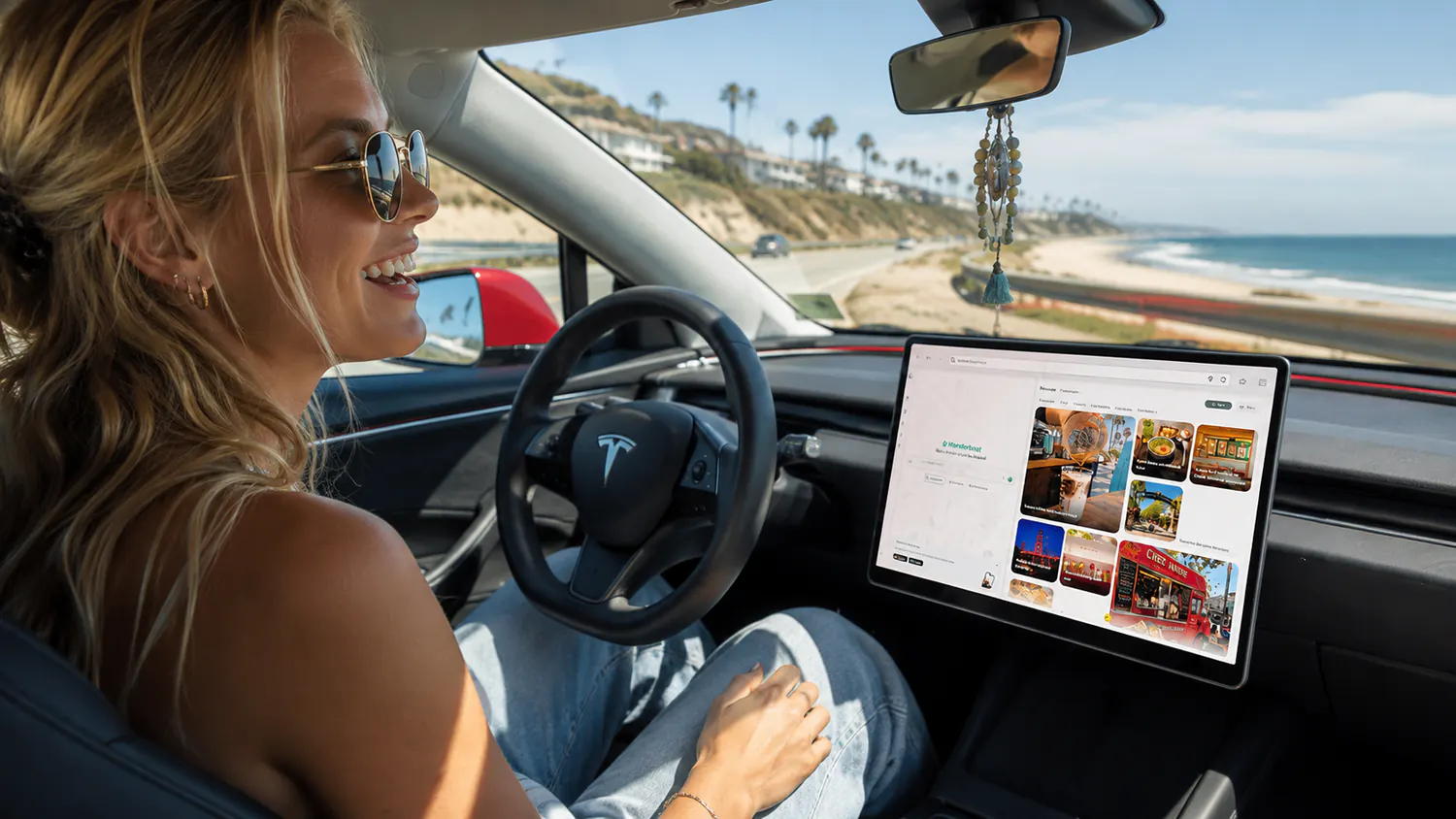
A separate brief because it runs on a separate product surface. Thirty creators, all Tesla owners, filming the one thing no other discovery app can do: choose a place from the driver's seat without ever typing an address.
Message 4 is mandatory. This brief runs on wanderboat.ai in the Tesla browser rather than the phone app, and because of that the video has to close by saying we are also live on iOS and Android so viewers can download it. That end card is a hard requirement for this brief only.
- Creators
- 30
- Requirement
- Creator owns a Tesla
- Personas
- EV and automotive creators, Tesla tech enthusiasts, car lifestyle vloggers
- Must carry
- Message 4
- Optional
- Messages 1–3 where they fit
- Surface
- wanderboat.ai in the Tesla browser, plus the iOS/Android end card
- 1
Ask on the centre display
Natural chatter, out loud and on screen. The same phrasing you would use with a passenger.
- 2
Pick by look
Visual cards make this fast and safe to do in a car. You recognise the right place instead of reading a list.
- 3
Scan to push
Scan the QR code to send the address to your Tesla app. This is the beat that replaces typing, so hold on it.
- 4
Let FSD drive
Navigation starts from a place you chose by vibe, and your hands never touched a keyboard.
- 01wanderboat.ai clearly open in the Tesla browser on the centre display.
- 02The request spoken and visible, in natural language.
- 03The QR scan, and the address landing in the Tesla app.
- 04FSD navigating to the chosen place.
- 05Arrival. The place has to pay off the vibe you picked it for.
- 06The end card: also live on iOS and Android, so viewers can download the app.
- “My Tesla screen just became a hidden-gem finder.”
- “I found tonight's spot without typing a single address.”
- “Nobody told me the Tesla browser could do this.”
- “Vibe search on the big screen, FSD does the rest.”
- Film safely. Parked or passenger-side for anything involving the screen.
- Make the no-typing point out loud. It is why this brief exists.
- Show the arrival. The drive is the middle of the video, not the ending.
- Do not shoot this on the phone app. The centre display is what we are selling.
- Do not drop the iOS and Android shout-out. It is required here.
- No staged hands-off driving that misrepresents FSD.
The rest lives on the overview
Everything the three briefs have in common stays in one place, so there is only ever one version of it to keep current.